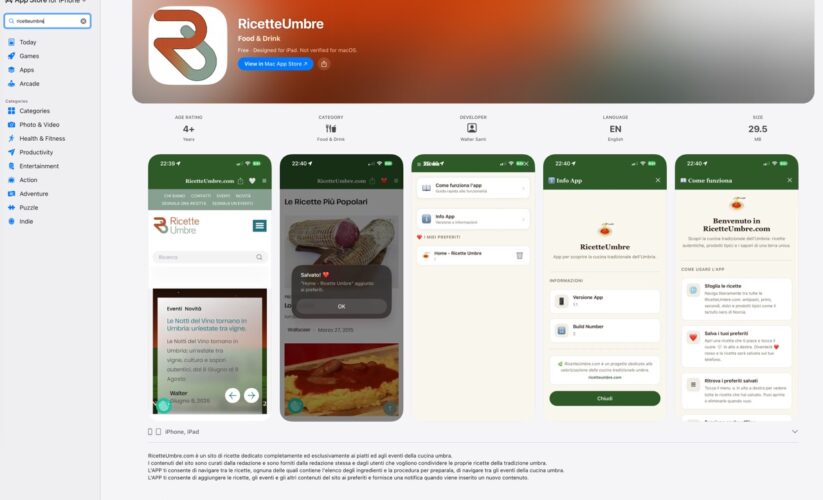
The RicetteUmbre app lets you manage your shopping list
The latest version of the RicetteUmbre app offers new, interesting, and useful features, including the ability to manage a shopping list and set the app’s language to either Italian or English.
Shopping list
Version 1.3.0 of the app lets you create a shopping list directly from the ingredients in the recipes.
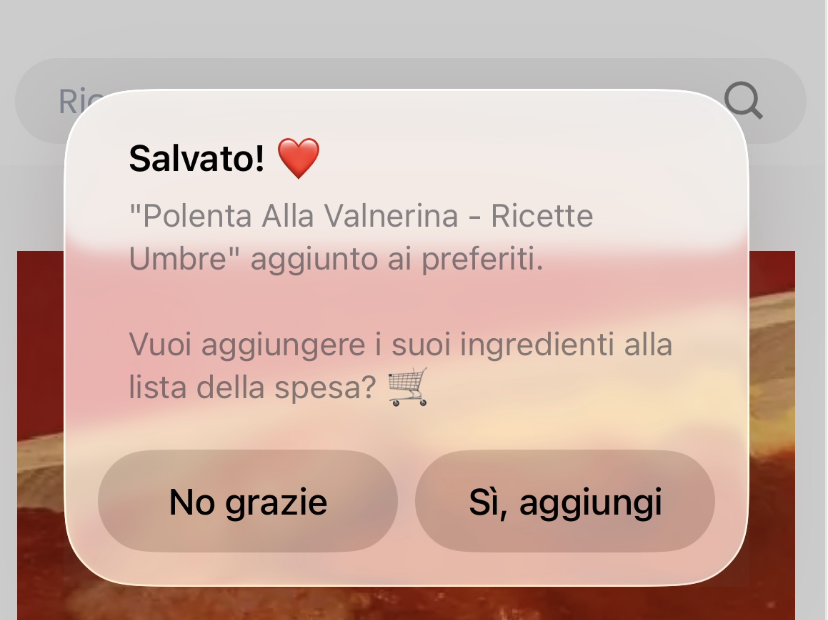
When you add a recipe to your favorites list, the app will ask if you want to add the ingredients for that recipe to your shopping list.
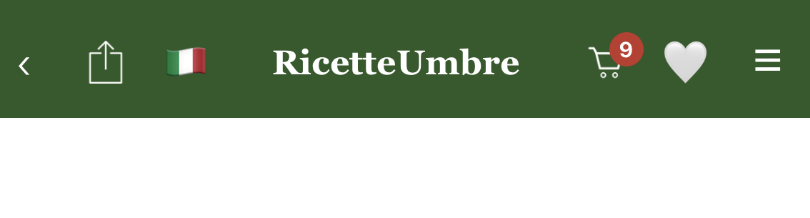
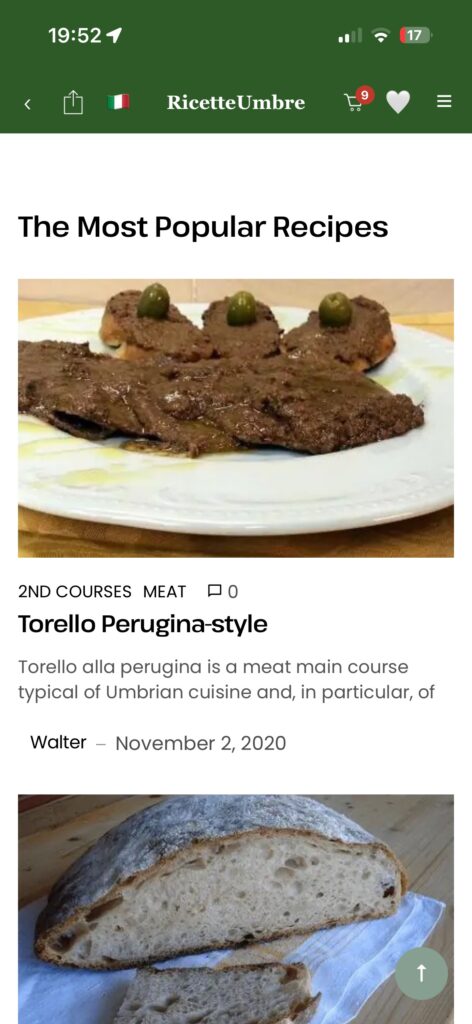
Once you’ve added the first ingredients to your shopping list, the shopping cart next to the name “RicetteUmbre” will show you the number of ingredients it contains.
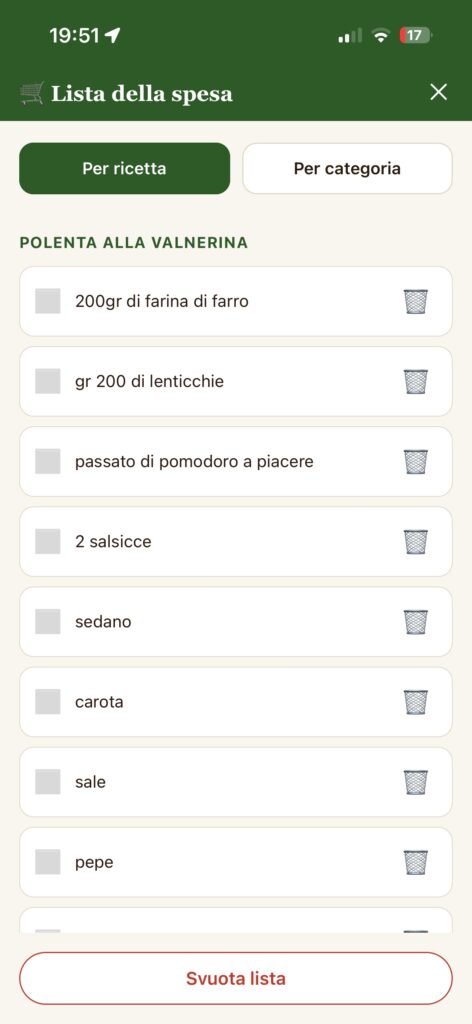
By clicking on the shopping cart, you can access your shopping list and remove one or more ingredients if you wish.
Language
Another feature added in version 1.3.0 of the app—for both iOS and Android—is the ability to set the app’s language by choosing between Italian and English.
You can make this selection using the flag icon next to the “RicetteUmbre” title.
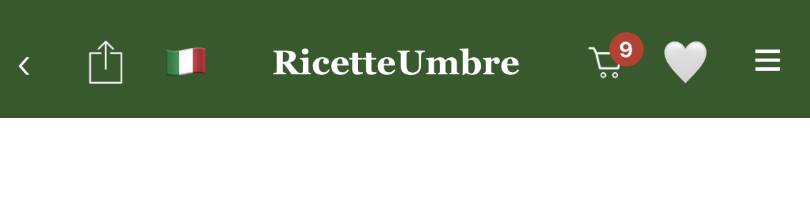
Since the app opens in the default language, this feature allows you to switch to an alternative language. You can change the language at any time.
Changing the language affects both the app interface and its content.
Download version 1.3.0 of the iOS app for both iPhone and iPad

Download version 1.3.0 of the app for Android devices